Terminal AI Coding Tools
I mostly use AI tools for code related tasks and over the past year I have found myself preferring terminal based tools over web apps or chat interfaces. That probably makes sense because when I am doing work on a computer, I am already heavily using a terminal. I am searching through files, checking git diffs, running tests, reading logs, and jumping between directories. A terminal based AI tool fits into that workflow more naturally than opening a separate browser tab or app and pasting snippets back and forth.
What I like about these tools is not just that they can answer programming questions. The useful part is that they can interact with a computer the same way I do. They can inspect files, search a repository, propose edits, and sometimes run commands directly in the working directory. That makes them feel less like a chat bot and more like an assistant.
I have tested four terminal tools: Claude Code, Codex, OpenCode, and Gemini CLI. They overlap quite a bit but they still feel different in practice. Some are more opinionated, some are more flexible, but mostly you will arrive at a similar outcome.
Claude Code
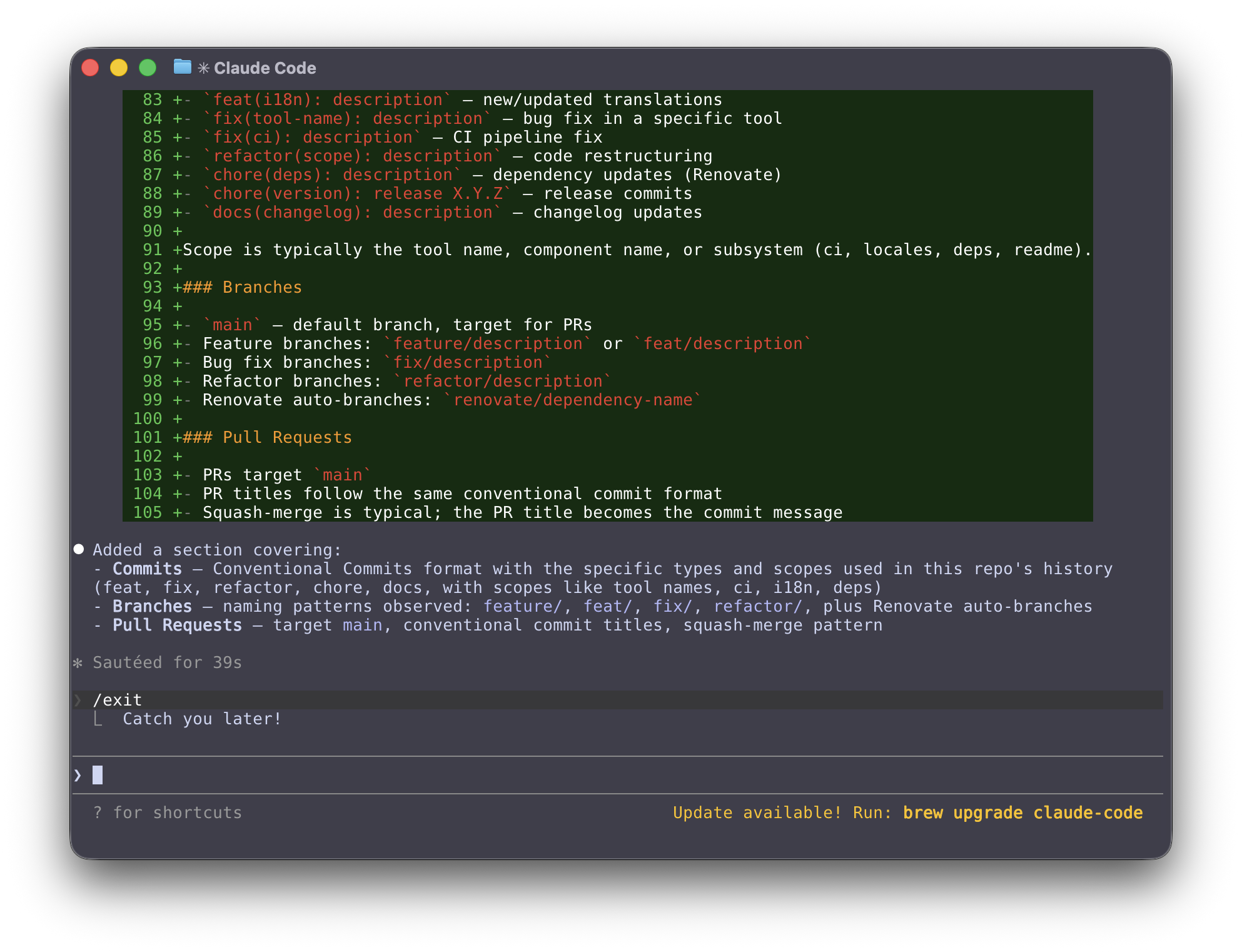
Claude Code is Anthropic’s terminal based coding agent. The Claude Code overview and product page describe it as a tool that works directly in a local development environment and can inspect code, edit files, and run shell commands with approval controls in place. In practice, Claude Code is probably the tool most people think of first when they talk about terminal based AI coding workflows in 2026. Unfortunately it is not open source.
Codex
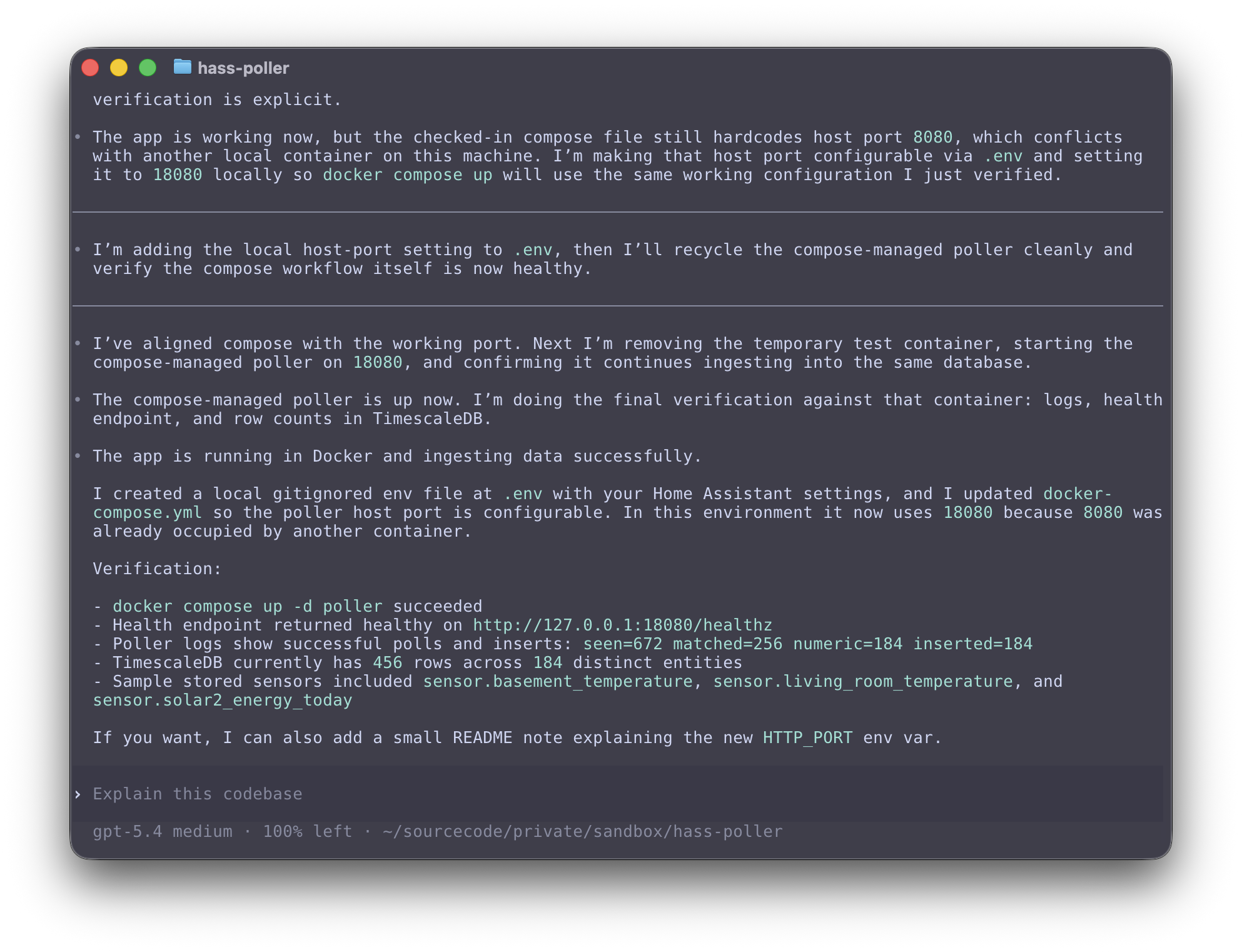
Codex is OpenAI’s coding agent. The Codex getting started guide and OpenAI’s post on introducing Codex show that there is a broader Codex product that can work in the cloud, but there is also a terminal oriented workflow where Codex can operate locally in a repo, read files, edit code, and run commands with configurable approval behavior.
What makes Codex interesting to me is that it seems to span both local terminal work and cloud based task execution. That makes it feel a little different from tools that are focused almost entirely on the shell experience.
OpenCode
OpenCode is an open source AI coding agent that can be used in the terminal, desktop app, or IDE according to the OpenCode website and developer docs. The part that stands out most is flexibility. It supports multiple model providers, has a strong focus on developer control, and is not tied as tightly to one company or one hosted model family.
For people who want an open source tool or who like to switch between providers, local models, or custom configurations, OpenCode is appealing. It feels closer to the Unix style of composability than some of the more vertically integrated commercial tools.
This is the tool I have used the most. Check out a previous post to see how to use OpenCode with a local model using Ollama.

Gemini CLI
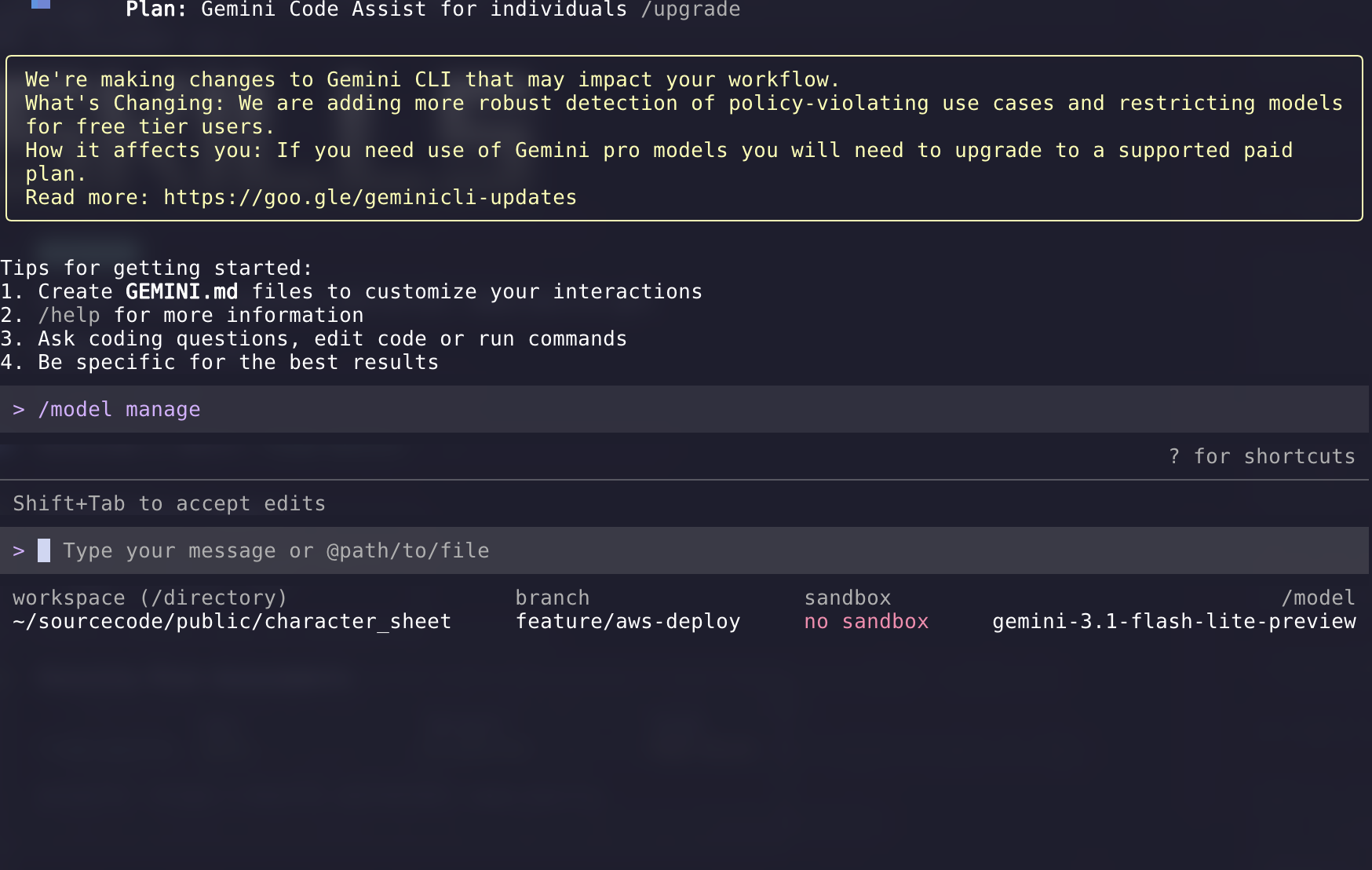
Gemini CLI is Google’s open source terminal agent built around Gemini models. In the Gemini CLI docs, Google positions it as a general purpose command line agent that can help with coding, debugging, research, and task execution.
Honestly it feels more like a tech demo than the other options. I am not even sure it works with the latest model. I hope that over time it becomes a more compelling option.
My recommendation
I prefer using OpenCode because you can easily switch model providers and bring the same set of tools such as skills and MCP servers. You can even use local models.
I use a slightly different setup for work versus personal projects. For example I use the GitHub MCP all the time but I only use the Atlassian MCP at work.
Extending OpenCode with MCP Servers
One of the best reasons to use OpenCode is that it is easy to extend. The built in tools are already useful, but MCP servers allow the agent to connect to external systems and use them as tools.
For me this is where these terminal tools start to become genuinely powerful. I can give the model access to GitHub for issues and pull requests, or add something like Context7 so it can pull in current documentation instead of relying on whatever happened to be in the training data.
OpenCode supports both local and remote MCP servers in the mcp section of ~/.config/opencode/opencode.json as shown in the OpenCode MCP docs. The official docs also warn that MCP servers add to the model context and that some servers, especially GitHub, can consume a lot of tokens. That lines up with my experience. MCP is useful, but it is better to be deliberate than to enable everything at once.
How to configure remote and local MCP servers in OpenCode
Configure OpenCode MCP servers in ~/.config/opencode/opencode.json.
- Add the GitHub MCP server as a remote MCP:
- Set
typetoremote - Set url to
https://api.githubcopilot.com/mcp/ - Set
oauthtofalse - Set the
Authorizationheader toBearer {env:GITHUB_TOKEN} - Use the env var that you have for GitHub personal access token.
- Set
- Add the Context7 MCP server as a local MCP:
- Set
typetolocal - Set
commandto["npx", "-y", "@upstash/context7-mcp"]
- Set
- Ensure the required environment variable is available:
GITHUB_TOKENis required for the GitHub MCP server
- Optionally add a Context7 API key later for higher rate limits:
CONTEXT7_API_KEYis optional- This is not required for the initial setup
- Restart OpenCode and verify the MCP servers:
- Run
opencode mcp listUse this config:
- Run
{
  "$schema": "https://opencode.ai/config.json",
  "mcp": {
    "context7": {
      "type": "local",
      "command": ["npx", "-y", "@upstash/context7-mcp"]
    },
    "github": {
      "type": "remote",
      "url": "https://api.githubcopilot.com/mcp/",
      "oauth": false,
      "headers": {
        "Authorization": "Bearer {env:GITHUB_TOKEN}"
      }
    }
  }
}
The GitHub MCP server docs show the remote endpoint at https://api.githubcopilot.com/mcp/ and the Context7 OpenCode docs show the local npx setup, so this is the simplest configuration I would recommend for OpenCode right now.
Workflow usage:
- Use context7 when you need current library or framework docs, setup guidance, API references, or version-specific examples.
- Use github (MCP) when you need repository, PR, issue, branch, release, or other GitHub context and actions.
- A common flow is: use context7 to get the right implementation pattern first, make the code changes locally, then use github to inspect or manage related issues, PRs, branches, or repository metadata.
- In prompts, be explicit about intent, for example: “use context7 for the latest Next.js docs” or “use github to inspect PR #123.”
Installing Skills
MCP servers are only part of the story. Another useful way to extend these tools is with skills. I think of skills as reusable instructions that teach the agent how to do something well. Instead of only relying on the base model, you can give it a focused workflow or a set of best practices for a specific task as described in the skills.sh docs.
I use skills.sh to browse and install them. It is basically a package ecosystem for agent skills and it works well with tools like OpenCode, Codex, and Claude Code.
When I want to look for something new, I usually search by task instead of by tool name. For example, if I want help with pull request reviews, changelogs, React best practices, or deployment workflows, I will search for that directly.
npx skills find pr reviewOr:
npx skills find react performanceYou can also browse the skills.sh website.
Once I find a skill I like, I install it with npx skills add. The docs show repository style references like this:
npx skills add vercel-labs/agent-skills@vercel-react-best-practicesIf you already know the exact GitHub repository and skill name, that is the fastest path. There is also a popular find-skills skill that helps the agent search the skills ecosystem itself, which feels a little meta but is actually pretty useful.
The skills CLI also supports installing globally and you can install targeting a specific agent. On my work laptop I install skills for Claude Code because my collegues use Claude Code. Fortunately, OpenCode will load skills that are in the Claude config files so I can easily use either tool with the same skills.
npx skills add https://github.com/vercel-labs/skills --skill find-skills -g -a claude-code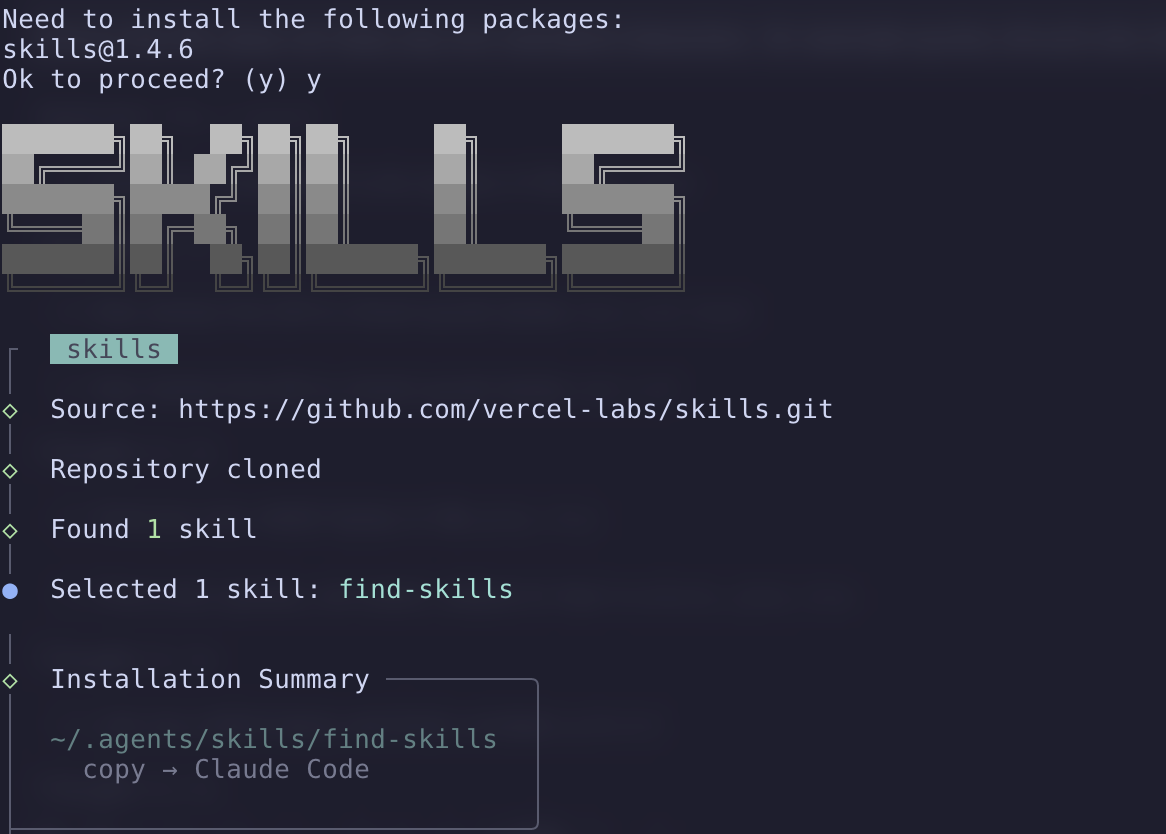
The nice thing about skills is that they are much lighter weight than an MCP server. They do not need a running service or API. They just give the agent better instructions for common tasks. In practice I think MCP servers are best when you need live access to an external system, while skills are best when you want better behavior, better workflows, or stronger domain knowledge.
Commands That Use Skills
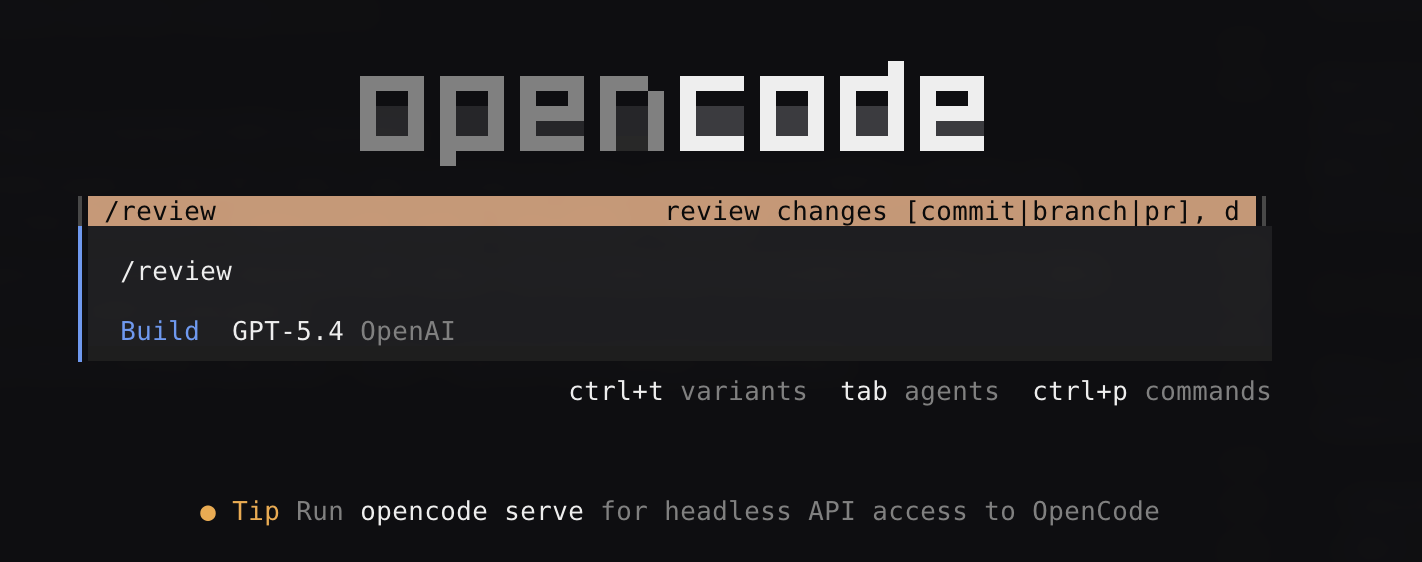
Once you have a useful skill installed, one next step is to wrap it in a command. The OpenCode commands docs and skills docs show how custom slash commands can expand into a longer prompt template. That is a nice way to turn a skill into something repeatable.
This is how I think about it: the command is the shortcut and the skill is the expertise. The command gives me a quick entry point with a small amount of input, and the skill gives the agent the workflow it should follow.
One example I use is a command to audit a Grafana alert. I run the command, paste in a link to the alert, and let the agent do the rest. I do not need to rewrite the same prompt every time. The command can tell the agent to use the appropriate skill, pass along the alert link as an argument, and follow a consistent investigation flow.
OpenCode commands support arguments like $ARGUMENTS or $1, so it is easy to pass in a URL, issue number, file path, or some other input when you run the command according to the commands docs. When used correctly, skills can prepare you for situations while avoiding “context bloat” since the skills should only be loaded into context when they are needed for the task at hand.
Closing thoughts
This tech is progressing rapidly and I try to sample all of the new features without going all in on something new and shiny. The pattern I have settled on is:
- OpenCode as my software of choice.
- MCP servers in certain situations where I need to interact with specific APIs or systems.
- Skills and Commands to create repeatable workflows that leverage the capabilities of AI agents.
I have no idea how this is going to look another 6 months from now.
Disclaimer: I used an LLM to help create this post. Opinions expressed are likely from me and not the LLM.